Pre-Trained Versus Fine-Tuned Models in Document AI Pipelines
Pre-trained and fine-tuned models fail silently in production document work.
Choosing pre-trained over fine-tuned, or the other way around, is not a matter of preference. Get it wrong and you don't find out right away. You find out months later, in silent field drops, misrouted invoices, and a compliance officer asking why the extraction pipeline missed a seal on page three. In a demo, the approach that scales and the approach that quietly falls apart in production look the same. They only split apart once real document variability appears when documents entering production differ from the ones used in testing.
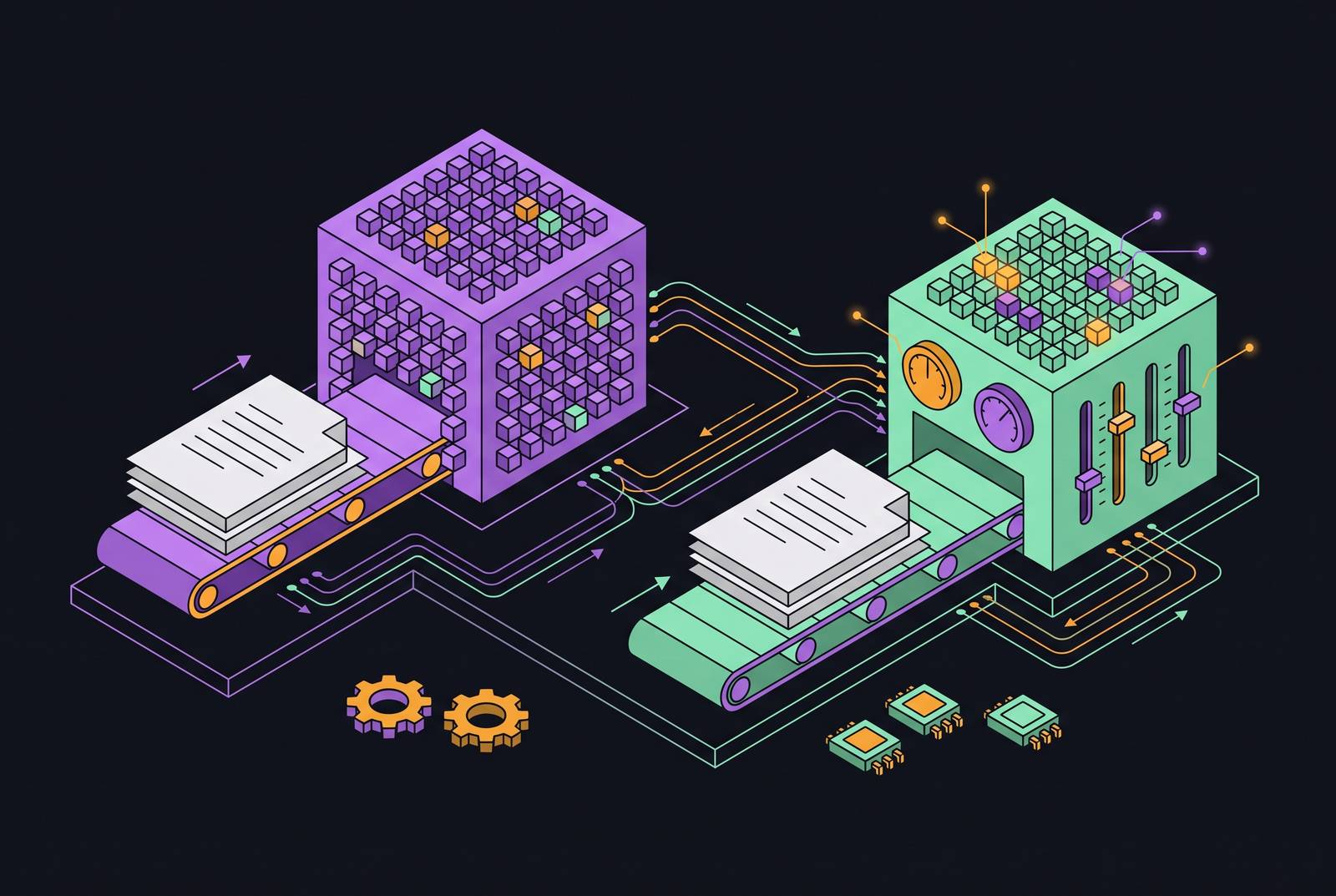
Pre-training feeds a neural network a huge, unlabeled pile of data so it picks up general patterns: grammar, syntax, the visual grammar of a page. It happens before any task-specific work starts, and it builds the foundation everything downstream, fine-tuning included, sits on top of. Masked Language Modeling hides tokens and asks the model to guess them, teaching contextual word relationships; it's the core mechanic behind BERT-style models. Next-token prediction, the engine behind GPT-style models, generates text one token at a time based on what came before. Masked Image Modeling does the same thing for pictures, reconstructing hidden regions of an image with no labels attached, and contrastive learning, trained across huge paired image-text datasets, pulls similar things together and pushes dissimilar things apart.
None of that comes cheap. Qwen3 trained on roughly 36 trillion tokens across 119 languages, and pre-training at that scale sits with a handful of labs that can absorb nine-figure training runs. That's not a line item most companies carry, and it was never meant to be one.
Fine-tuning is the decision that actually belongs to everyone else. It takes a pre-trained model and keeps training it on a smaller, labeled, task-specific dataset, adjusting behavior without erasing what the base model already knows. It's supervised work, built on labeled prompt-response pairs or annotated examples, a sharp break from the self-supervised nature of pre-training. Most modern LLMs follow a three-stage build: pre-train on raw data, fine-tune on labeled task examples, then apply reinforcement learning from human feedback. Companies almost never touch stage one. What's actually on the table is how much, and how, to fine-tune a model someone else already built.
Document AI adds a wrinkle that neither general pre-training nor generic fine-tuning was built to handle: layout. Spatial structure, tables, multi-column pages, embedded fonts, all the two-dimensional information a plain text model was never asked to read, and won't read correctly by accident.
A document is a grid of bounding boxes, form fields, seals, tables, and multi-column layouts. A language model trained purely on running text has no built-in reason to know that a number sitting in the top-right box means something different from the same number buried inside a paragraph. That's why document-specific architectures exist at all, not because they're a nice-to-have.
LayoutLLM, presented by Luo and colleagues at CVPR 2024, folds layout-specific instruction tuning directly into an LLM so the model learns to read position along with prose. DocLayLLM, from CVPR 2025, goes further, pairing a pre-trained language model with layout-aware training on labeled documents. Neither is a patch bolted onto a text model. Both treat spatial structure as a first-class input, on equal footing with the words themselves.
Vision-language models have also pulled ahead of traditional OCR on messy documents, producing meaningfully lower character error rates than legacy OCR engines on noisy scans and receipts. A general-purpose pre-trained model still wins on breadth, and can often handle a clean digital PDF well enough on its own. But breadth isn't depth, and depth is what's missing once the input turns into handwriting, an unfamiliar form layout, or a font the model never saw in training.
A production document pipeline moves through ingestion, preprocessing, OCR, layout analysis, extraction, validation, and output. Every stage is a place where a model's built-in assumptions can fail quietly, and the ceiling on the whole chain gets set before any model reads a single token: a clean digital PDF might hit 99.5% character accuracy, while a photographed, crumpled receipt lands closer to 85%, regardless of which model reads it. Picking pre-trained versus fine-tuned matters less than knowing, in specific terms, what kind of document mess the pipeline is actually going to face.
How pre-trained models fail on real document workloads
A developer integrating a parsing library ran into three distinct failure modes in a single afternoon, working through nothing more exotic than a real client folder. A scanned purchase order came back with field labels fused into the values sitting next to them. An insurance claim form lost two entire sections because the parser couldn't handle the embedded fonts. A financial statement extracted clean-looking text, except the line breaks landed mid-sentence and broke every downstream regex pattern built to read it. None of these were edge cases. They were the first three documents pulled off the stack.
The quiet failures are the ones that matter most. Coordinate-dependent extraction can fail for weeks before anyone spots a pattern in it. A vendor shifts an invoice template two pixels, the bounding box no longer lines up, and the field drops silently before it ever reaches the approval engine. Nobody gets an error message. The number is just gone.
The PureDocBench benchmark from 2026 shows these failures also sort by domain, and the sorting is the useful part. STEM pages break on notation fidelity and formula formatting. Business pages lose structural integrity and metadata. Finance and certificate documents suffer annotation contamination, formula meaning loss, and failed seal recognition. Most of this stays invisible in averaged leaderboard metrics, because the sub-metrics feeding the average don't penalize sidebar semantics or block-level completeness. A high aggregate score means the errors landed somewhere the metric wasn't looking. It means the errors landed somewhere the metric wasn't looking.
A subtler failure hides inside confidence itself. A 2026 arXiv paper, "Beyond Logprobs," found that a frontier LLM reading genuinely unreadable source material will still generate high-logprob, confident-sounding tokens describing OCR noise, as if the garble were a real answer instead of a symptom. The error there comes from the document, not the model. This is easy to miss: a pre-trained model can look excellent on a clean demo set and never reveal any of this until it meets messier input. The gap between demo accuracy and production accuracy is where pipelines start to break, and no amount of prompt tweaking closes it.
Fine-tuning is the tool most teams reach for once they hit this wall. Whether it actually helps depends on which of these failures happened.
What fine-tuning fixes
Fine-tuning earns its keep on domain vocabulary a general model under-represents and on layouts that stay fixed. Medical terms, legal clause phrasing, financial instrument names, logistics codes: all of it responds well to targeted training. Consistent layouts that diverge from a model's general training distribution, a fixed invoice format or a standardized claim form, are another strong fit. Output alignment is a third: teaching a model to return structured JSON against a defined schema instead of a narrative paragraph. Research found organizations using fine-tuned models saw a 37% jump in the accuracy of AI-generated content, though that figure covers content generation broadly, not document extraction specifically, so treat it as directional rather than exact.
The list of what fine-tuning doesn't fix is longer, more expensive, and where most teams get their own problem wrong. Poor input quality sits at the top of it: fine-tuning the extraction model does nothing for a low-DPI scan with skew artifacts. Only better preprocessing moves that needle, and getting input quality from poor to good can lift OCR accuracy by 10 to 15 percentage points on its own, no model change required. Layout variability across vendors is another dead end, since a model trained on a narrow slice of layouts will still stumble on the first format it hasn't seen, no matter how much labeled data went into training it.
Confidence calibration is its own separate failure, and fine-tuning doesn't touch it. Numeric fields calibrate reasonably well, but free-text fields show real overconfidence at high predicted probabilities, per "Beyond Logprobs" (2026). That's an architecture and evaluation problem. Fine-tuning also raises average accuracy without surfacing the low-confidence extractions that actually need a human to look at them; catching those takes a separate confidence-scoring and routing layer, built on purpose, sitting outside the model.
Fine-tuning is supervised work, needing labeled prompt-response pairs or annotated field extractions, and teams routinely underestimate both how much of that they need and how clean it has to be. A training set with gaps doesn't just fail to help. It bakes in new biases nobody asked for. Synthetic data, generated to mimic real documents, has started to ease the labeling burden, but synthetic data that skips the real edge cases just relocates the coverage gap instead of closing it.
Fine-tuning fixes vocabulary and output format on a layout that holds still. It fixes almost nothing when the failure is input quality, layout drift across vendors, or a confidence system that's quietly wrong. Most teams that fine-tune and see no improvement fine-tuned the wrong layer of the problem.
How to measure whether pre-trained or fine-tuned is performing better
Vendor accuracy numbers are marketing copy dressed up as evidence. A claim tested on clean samples says almost nothing about how a model handles handwriting, poor scans, or a layout it's never encountered before. The only test that means anything is an evaluation set built from actual production documents, edge cases included, with field-level accuracy measured against it before anyone commits budget to a direction.
Field-level accuracy, not one blended number, is the unit that matters. A 2025 study evaluating LLM extraction on NOAA reports (n=200) makes the case cleanly: o4-mini's field-level accuracy ranged from 87.94% on the Season field up to a full 100% on Year and State, averaging 94.72% overall, a spread wide enough to hide a real problem behind a good-looking average. o3 hit 96.33% accuracy at roughly $0.05 per document, about 10 times the per-document cost of o4-mini's roughly $0.005. That spread, inside the same model on the same document type, is why an aggregate accuracy score can hide the one field a workflow actually depends on.
Most public benchmarks skew toward clean documents, which makes them close to useless for this purpose. Existing document benchmarks tend to lean on high-quality inputs, which means the low- and mid-accuracy range is often too thin to say anything meaningful about real-world calibration. The best benchmark available is a team's own workload, specifically its worst documents, not its best ones.
Confidence scoring and routing turn evaluation into an operating system instead of a one-time audit. Set a threshold, say 0.85, so anything below it routes to a human reviewer. Raise the threshold and accuracy climbs while automation coverage drops; lower it and the trade reverses. The "Beyond Logprobs" paper (2026) documents a system called EXTRACTCONF hitting 99.1% automated accuracy at 80% coverage, a 25.8 percentage-point jump over its 73.3% base rate, using an AURC metric to formalize the trade-off. None of this is a one-time check. Confidence thresholds need per-field precision-recall tuning, and a fixed canary set run continuously is what catches drift before it turns into a client complaint.
RAG as an alternative to fine-tuning for document knowledge that changes
Fine-tuning bakes knowledge into a model's weights, which works fine right up until the underlying facts change. New regulatory language, an updated tax table, a revised form format, and the model needs retraining all over again. That cycle is slow, and it gets more expensive every time the source data shifts under it.
Retrieval-augmented generation sidesteps the problem by pulling current information at the moment of inference instead of storing it inside the model's weights. That matters most for documents tied to regulatory or compliance content that changes on its own schedule, outside anyone's control. Fine-tuning an LLM on proprietary data costs real compute, needs carefully labeled datasets, and has to be redone every time the underlying data moves. For knowledge that shifts frequently, RAG can be a more practical option for exactly that reason, and teams that keep retraining models to chase moving regulations are often solving the wrong layer of the problem.
Most serious enterprise setups don't pick one approach and stop there. They layer all three: a pre-trained model provides the foundation, fine-tuning on proprietary domain data handles compliance and accuracy on formats that hold still, and RAG sits on top pulling in live data and regulatory changes in real time.
None of that works if the input feeding RAG is a mess, and this step gets skipped most often. A RAG pipeline is only as good as the structured text it retrieves from, so noisy, badly structured extraction output degrades retrieval quality no matter how good the retrieval model itself is. Garbage in, garbage out applies here just as hard as anywhere else in software. Turning a PDF or scanned image into clean, structured JSON or Markdown has to happen before RAG can do anything reliable with it. Every model decision made upstream, at the extraction layer, decides whether the RAG layer built on top of it actually works. Document extraction is the prerequisite the rest of the stack depends on, not an afterthought bolted on once retrieval is running.
The real cost of building and maintaining a custom fine-tuned pipeline
Self-hosting a parsing pipeline costs more than the model, and the model is usually the smallest line in the budget. Compute, storage, and egress charges for a self-hosted setup at modest scale typically run $15,000 to $40,000 a year, before anyone's salary gets counted. Engineer time is the cost that hides best: maintaining parser dependencies, chasing library version conflicts, and writing custom logic for the edge cases that keep recurring consumes 20 to 30% of an engineer's working hours every quarter, with no natural endpoint.
OCR libraries, layout detection models, and format handlers all ship on their own release schedules, and upgrades break compatibility with some regularity. None of these tools come with production monitoring or confidence scoring built in, so an accuracy regression stays invisible until failures pile up downstream and someone finally asks why the numbers look off.
The break-even math is narrower than most teams assume going in. Self-hosting only pays off north of roughly 50,000 to 100,000 pages a month, and only with a dedicated ML engineer on staff to keep it running week to week. Below that volume, ongoing maintenance, which can significantly exceed the initial build cost, erases whatever per-page savings looked appealing on a spreadsheet. A company that spends six months and roughly €400,000 building an internal solution could have shipped two product features in that same window instead, and more than 60% of enterprises that built custom AI solutions blew past their projected budgets by 30 to 50%, mostly on integration and retraining costs nobody priced in up front.
None of this makes self-hosting the wrong call at scale. Past a high enough page count, with the engineering headcount already in place, it pays off: the training cost gets recovered against actual page volume, and no vendor pitch will talk a team out of that math. But the decision has to be made against real page counts and real staffing, not against a demo that looked clean and a model that scored well on someone else's benchmark.