Table Extraction From PDFs and Scanned Documents
PDFs store tables as positioned text, not data structures, making extraction fragile.
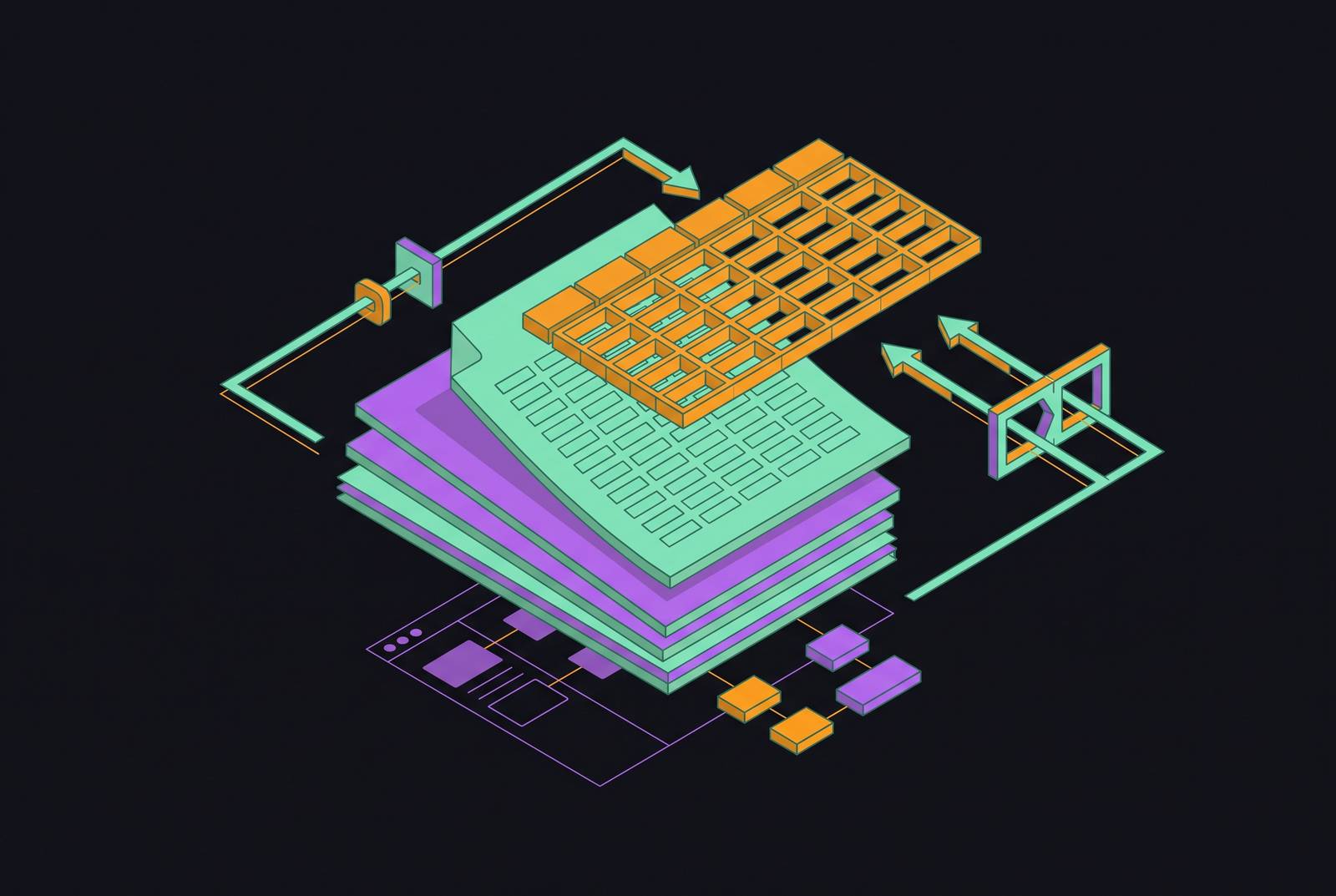
A table in a PDF is not a real data object. Every table a reader sees on screen is rebuilt from scratch by the viewer, out of text fragments, coordinate positions, and drawn lines, because no native table structure exists for any piece of software to grab onto.
The PDF format was designed to preserve how a page looks, not what it means. It guarantees that a bank statement or purchase order renders the same way on a phone, a laptop, and a printer. When an accounting system or a design tool lays out a table, what gets written into the file is a list of text strings, each pinned to an XY coordinate with font metrics attached. There's no row object. There's no column definition. There's no delimiter marking where one cell ends and the next begins.
That's the reason copying a table out of a PDF and pasting it into Excel so often produces a scrambled single column of text, numbers and labels jammed together in the wrong order. Excel didn't fail to understand the table: it read what was there, coordinates, not structure.
A table that looks like a clean grid to a human eye is, to any extraction tool, a scattered field of positioned glyphs. Reconstructing rows and columns from that scatter requires inference, not lookup. This is the same gap that keeps Python PDF table extraction hard even as the tool ecosystem matures. Because the structure was never stored in the first place, every extraction pipeline has to rebuild it from visual cues, and rebuilding from visual cues is where every failure mode in this piece starts.
The two document types that require completely different reconstruction strategies
Before any table logic runs, a pipeline has to answer one question correctly: is this a native PDF or a scanned image. Getting that answer wrong means the output is either garbage or nothing at all.
Native PDFs come out of accounting systems, ERPs, and office software exports. The characters themselves are stored as text, so a coordinate-based parser can read that layer directly. Optical character recognition has to run first, before any table logic can even begin.
The same table, structurally, fails in a completely different way depending on which category it falls into. Neither failure looks like the other, and neither fix for one will help the other.
A pipeline that skips document classification and just runs one method on everything will apply coordinate parsing to a scanned image and get nothing back, or skip OCR on that same image and let a table-reconstruction model hallucinate structure out of an empty text layer. Neither failure announces itself. Both just produce wrong output, and it looks plausible enough to pass a quick glance.
Encoding quirks and unusual text positioning can break coordinate clustering even when a text layer exists, because the text is present but not reliably ordered on the page.
So classification has to happen first, every time, before anything resembling table logic touches the page.
How Coordinate-Based Parsers Reconstruct Tables
Once a document is correctly classified, the actual reconstruction work begins, and every method for doing that work rests on a different assumption about how tables are laid out on a page. Four strategies cover most of what's used in practice.
Line-based detection looks for drawn borders on the page and infers cells from where those lines intersect. Coordinate clustering takes the opposite approach: it groups text by proximity, guessing at columns and rows based on how close characters sit to each other. Layout analysis leans on font sizes, spacing patterns, and the order elements were rendered in, looking for structural signals in how the page was built. AI and vision-model approaches skip text entirely: they process the rendered page as an image, and infer structure from patterns learned during training. These tend to be the most resilient of the four, but they bring their own failure modes, including a tendency to produce confident-looking output that was invented rather than read, plus added processing time.
Borderless tables are the clearest illustration of why line-based detection fails. A freight forwarder's bill of lading, or an HR form where columns are implied purely by spacing rather than any ruled line, will defeat a line-based parser every time, because there's nothing to detect lines from.
Multi-page tables break a different way. When a table runs across a page break, most parsers hand back two separate fragments rather than one continuous structure, treating the second page's continuation as an unrelated table entirely disconnected from the first. Merged cells and multi-level headers compound the problem further: a single header cell that's shifted out of alignment can throw off every column beneath it, and that error propagates silently into whatever system consumes the output, with no flag raised anywhere along the way.
What OCR adds to the problem when documents are scanned
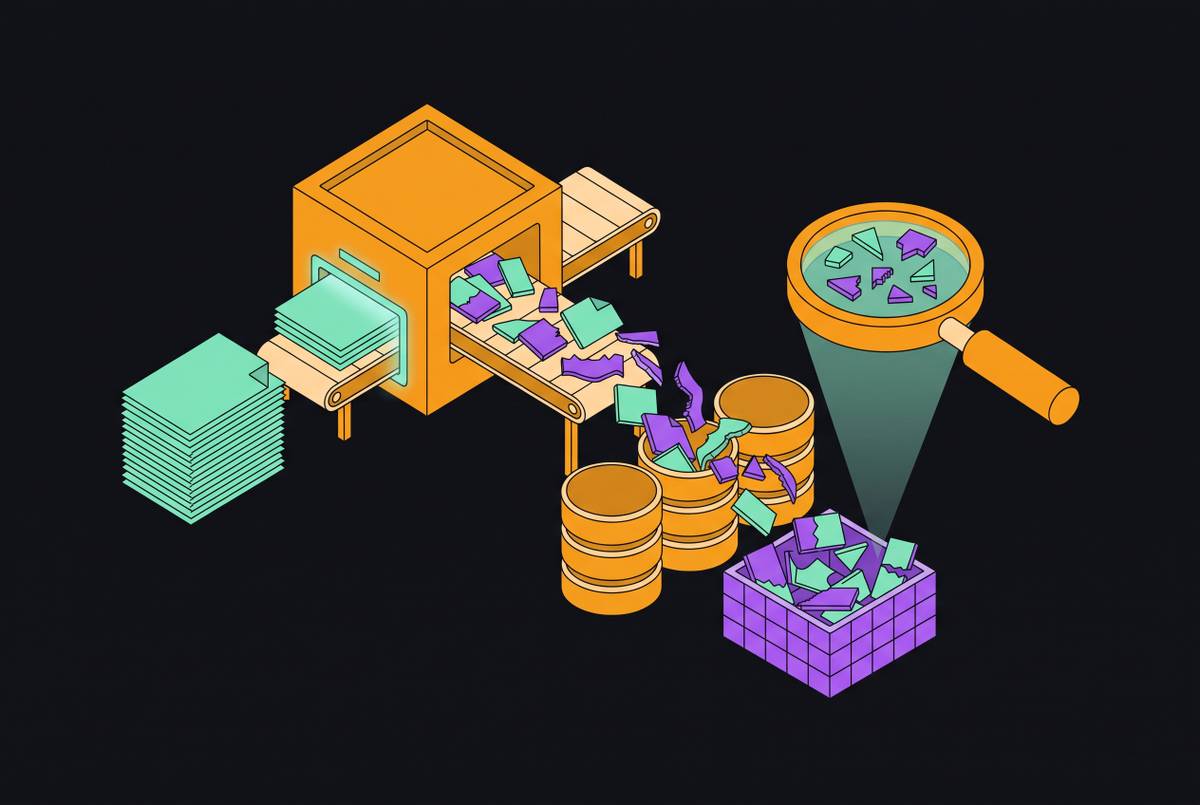
If a document is scanned, OCR does not perform table extraction. You still need it as a required first step, and it introduces its own set of errors before table reconstruction even has a chance to start, stacking on top of everything described above rather than replacing it.
If OCR makes a mistake, it carries straight through every later stage, because nothing downstream is built to catch and correct it.
Even the best model still has to contend with the physical condition of the paper it's reading. Document skew, rotation, shadows, faded ink, and watermarks all degrade OCR output before any table logic gets a chance to run, and these aren't edge cases: they're the normal condition of scanned operational paperwork moving through a real business. Handwritten content sitting inside an otherwise printed table, a signature, a handwritten annotation, a field filled in by pen, breaks models that were tuned on printed text, and recognizing handwriting reliably is its own separate capability rather than something that comes free with a general OCR model.
Page-level OCR accuracy does not predict field-level accuracy. A score that sounds good on a vendor spec sheet is not the same thing as a score that tells you whether the numbers in the invoice total column are correct.
The production failure modes that never appear in demos
In production, the failures that cost money are rarely the ones a demo gets tested against. They're the edge cases nobody thought to feed the system, and the thing that connects nearly all of them is silence: the pipeline finishes running, raises no exception, and wrong data lands in the database anyway.
Hallucination in table cells is the clearest version of this. It passes no validation check because nothing was built to catch it, and it enters whatever system consumes it as settled fact.
Silent format drift shows up differently. A pipeline pulls a date in one format from one vendor's invoices and a different format from another vendor's, and both outputs look like valid dates on their own. The downstream database expects one standard format, and the mismatch breaks a batch job overnight, surfacing only when a support ticket lands on someone's desk the next morning asking why a shipment record looks wrong.
Reading order errors preserve the table itself correctly but place it in the wrong position relative to the surrounding document, so the numbers are right and the context around them is not. If the application code doesn't explicitly check for that refusal field, the document just quietly drops out of the batch with no record that anything went wrong.
Strong benchmark scores don't rule any of this out. Even the highest-scoring document parsing model on the PureDocBench benchmark has shown systematic failures on a structured lab report, even though it posts strong results in aggregate. A benchmark score and production reliability measure two different things, and a system can be excellent at one while still failing at the other on the exact document type a given business depends on.
Why standard accuracy metrics fail to catch these problems
String-matching accuracy answers one narrow question: were the characters reproduced correctly.
A page-level character accuracy score can look excellent while field-level accuracy is genuinely poor, because the errors in question are not spread evenly across the page. They cluster in exactly the fields that carry the most weight: merged cells, multi-level headers, and numeric values sitting near a column border. Evaluation research has started moving past plain string matching toward semantic evaluation, measuring whether merged cells, hierarchical headers, and tables split across page boundaries actually preserved their structure, rather than just whether the characters came out right.
Confidence scores from vision models don't solve this either. A model reports roughly the same confidence whether it found a value clearly printed on the page or just inferred something plausible from the surrounding context, because that score isn't calibrated against ground truth. Without that calibration, a confidence number can't tell a reliable extraction from an educated guess.
So the practical fix is this: stop relying on published benchmarks as a stand-in for a business's own documents, and instead build a test set out of the hardest real cases a given document population actually produces, checked field by field against verified ground truth. That's the only measurement that tells anyone how a system will behave once it's running on real invoices instead of a published dataset.
How a pipeline that holds up in production is actually structured
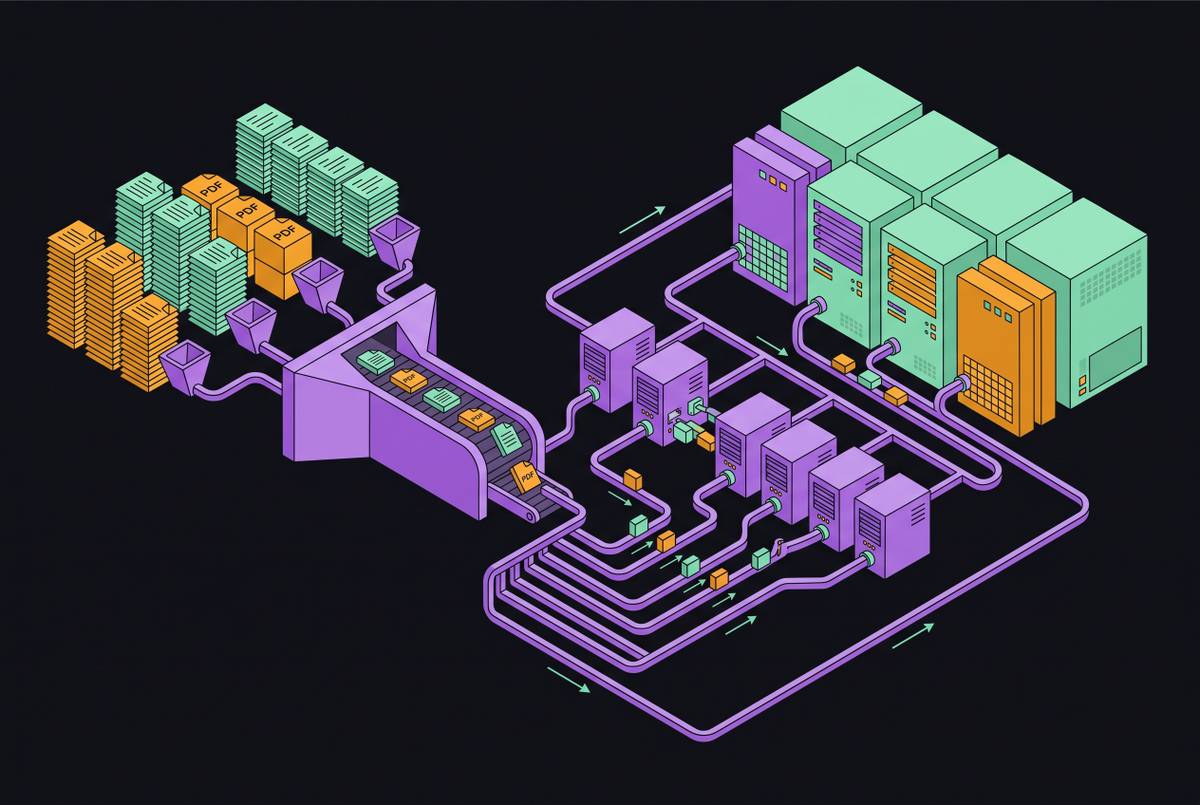
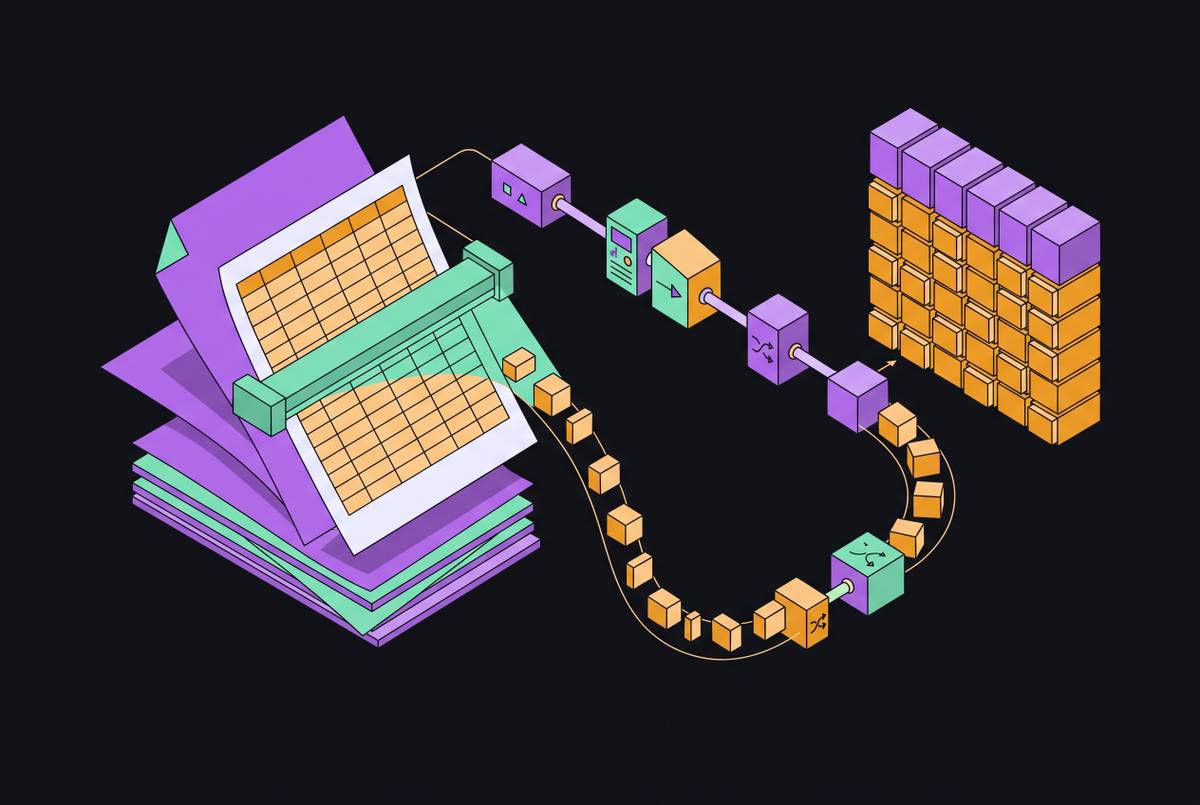
A production-grade table extraction system is a staged pipeline where each stage has an explicit contract, and a failure at any single stage gets caught there instead of quietly flowing into the next one.
Stage one is document classification: decide whether the document is native or scanned, and route it accordingly. Skipping this step means the wrong method gets applied with no warning. Stage two is text extraction: native PDFs get their text layer parsed directly, while scanned documents go through OCR using a model suited to what's actually on the page, printed text, handwriting, or some mix of both. Stage three is table region detection, locating where tables sit on the page and identifying what kind they are, bordered, borderless, multi-page, or nested, before any reconstruction is attempted.
Stage four is structure reconstruction itself, where rows, columns, merged cells, and headers get reassembled into one coherent grid. This is the stage where the lattice-versus-stream decision gets made, or where a vision model takes over the inference. Stage five is schema validation, and it's the stage most teams skip. The output structure, which fields, what data types, what validation rules, gets defined before a single document is processed, and any document that can't produce output matching that schema fails openly instead of sneaking bad data through. Stage six is export and routing: structured output goes out as CSV, JSON, or a direct database insert, carrying field-level confidence scores so whatever system consumes it downstream knows which values to trust and which to flag for review.
Recent research gives you a concrete shape for the repair work that sits between reconstruction and validation. The underlying principle extends past this one piece of research: a narrow, specialized repair step tends to outperform retraining an entire end-to-end model, especially when labeled training data for a business's specific documents is scarce.
What table extraction in Python looks like across the main library categories
No single Python library can handle every document a business will throw at it. The right starting point depends on whether the document is native or scanned, whether the table has visible borders, and whether the output needs to be ready for an LLM to consume or structured for direct database use.
For native digital PDFs with clear, consistent column boundaries, libraries built around coordinate and line detection tend to be the first reasonable choice, since they can read the embedded text layer directly without needing OCR at all. For bordered tables specifically, a lattice-style approach that reads the visible grid lines on the page tends to be the most accurate option available, because the lines themselves do most of the structural work. For borderless tables, a whitespace-based stream approach becomes the fallback, but it demands more careful tuning, and it performs less consistently when spacing on the page is irregular.
For scanned documents, none of this applies until OCR has produced a usable text layer, and the choice of OCR engine affects field-level accuracy more than the choice of table library that runs afterward. For the most structurally unusual documents, borderless layouts, tables spanning page breaks, merged cells, nested headers, vision-model approaches that work directly from the rendered page image tend to be the most resilient option, at the cost of added processing time and a real risk of hallucinated values that need a validation layer to catch.
The pattern across all of it is the same one this piece has traced from the start. There's no library, open-source or commercial, that erases the underlying fact that a PDF table has no native structure to extract. Every tool is a different strategy for reconstructing that structure from coordinates, lines, or learned visual patterns, and the right choice depends on knowing, in detail, which kind of document is actually sitting in the pipeline. Invofox, a document parsing API that converts PDFs and scanned images into validated JSON with per-field accuracy guarantees, is built around that staged approach, handling native and scanned documents through separate extraction paths before schema validation catches bad output at the boundary.
Sources
- How Far Is Document Parsing from Solved? PureDocBench: A Source-TraceableBenchmark across Clean, Degraded, and Real-World Settings
- Beyond String Matching: Semantic Evaluation of PDF Table Extraction
- Table Extraction Benchmark: Scanned vs Native PDFs
- Document Parsing Unveiled: Techniques, Challenges, and Prospects for Structured Information Extraction
- camelot-py.readthedocs.io
- infoq.com